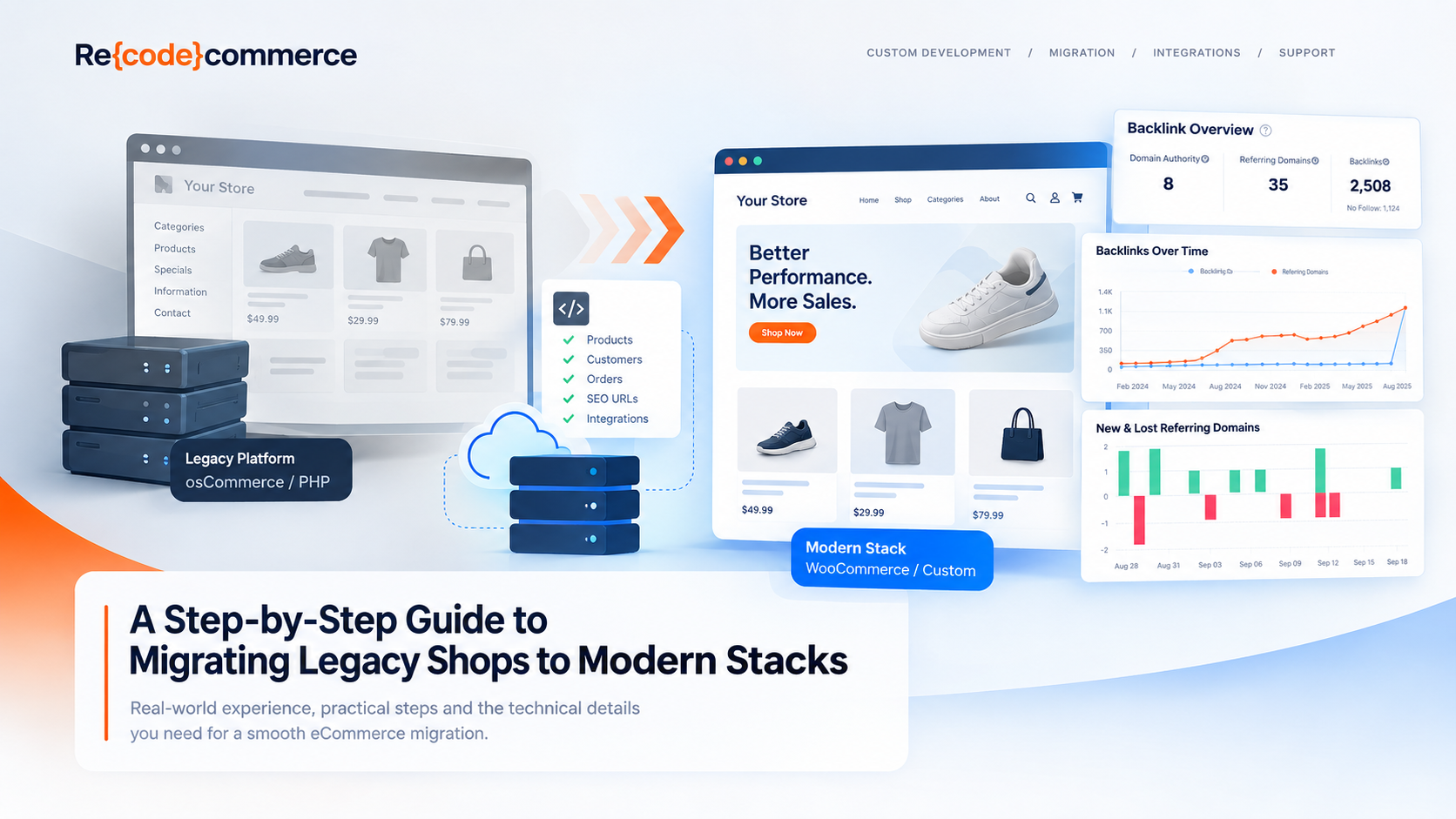
How to move an aging eCommerce store to a modern platform without losing products, customers, orders, SEO or the business logic that keeps the store running.
Migrating an established eCommerce store is rarely just a matter of installing a new platform and importing a product database.
A store that has been running for years usually contains much more than products and orders. It may have custom PHP code, modified checkout processes, payment integrations, shipping rules, scheduled jobs, third-party APIs, SEO-specific URLs, customer data and countless small changes that were added over time to solve real business problems.
That is what makes legacy eCommerce migration difficult.
The technology can be replaced. The business cannot simply be replaced along with it.
A successful migration therefore starts with a different question:
What does the existing store actually do, and which parts of it does the business still depend on?
This guide explains the main steps involved in migrating a legacy eCommerce store to a modern stack, from the initial technical audit through the final production launch.
What Is a Legacy eCommerce Store?
"Legacy" does not necessarily mean "bad" or "broken."
An older store may continue to process orders reliably for years. In fact, many businesses operate highly customized eCommerce systems that have accumulated functionality over a long period of time.
A legacy store typically becomes difficult to maintain when one or more of the following apply:
- the underlying PHP version is outdated;
- the eCommerce platform is no longer actively supported;
- custom modifications make upgrades difficult;
- third-party integrations depend on old APIs;
- the database structure has become difficult to work with;
- security updates are becoming harder to apply;
- performance problems are increasingly difficult to diagnose;
- developers need more time to change seemingly simple functionality;
- hosting requirements are tied to obsolete software;
- the original developers are no longer available.
A particularly important warning sign is technical dependency.
If changing one checkout field requires modifying several unrelated parts of an old codebase, the problem may not be the individual feature. The problem may be the architecture underneath it.
Should You Upgrade, Rebuild or Migrate?
Before planning a migration, determine whether migration is actually necessary.
There are generally three approaches.
1. Upgrade the existing platform
This can work when the current architecture is reasonably healthy and the platform provides a supported upgrade path.
Advantages can include:
- less disruption;
- existing functionality can often be retained;
- lower initial development effort.
The difficulty appears when a store contains years of custom modifications.
An upgrade that looks simple on paper can become a process of resolving one compatibility problem after another.
2. Rebuild the existing store
A rebuild keeps the existing business requirements but implements them on a new codebase or architecture.
This can be appropriate when the existing store contains valuable custom functionality but its technical foundation has become difficult to maintain.
The important distinction is:
rebuild the functionality, not necessarily the old code.
3. Migrate to another platform or stack
Migration means moving the store's data and business functionality to a different technical foundation.
For example:
- legacy PHP → modern PHP;
- old osCommerce → newer eCommerce platform;
- custom store → WooCommerce;
- monolithic application → API-based architecture;
- self-hosted legacy system → modern managed infrastructure.
The right destination depends on the business requirements, not simply on which platform is currently popular.
Step 1: Audit the Existing Store Before Changing Anything
The first stage of a migration should be investigation.
Before writing migration scripts or installing a new platform, create an inventory of the existing system.
At minimum, document:
Store data
- products;
- categories;
- manufacturers/brands;
- customers;
- addresses;
- orders;
- order statuses;
- invoices;
- coupons;
- reviews;
- downloadable products;
- product attributes;
- stock information.
Technical components
- PHP version;
- database engine and version;
- web server;
- operating system;
- installed extensions/modules;
- custom PHP files;
- cron jobs;
- scheduled tasks;
- command-line scripts;
- server-side integrations.
External services
- payment providers;
- shipping providers;
- ERP;
- CRM;
- accounting systems;
- marketplaces;
- email services;
- analytics;
- search services;
- product feeds.
SEO
- URL structure;
- canonical URLs;
- redirects;
- XML sitemaps;
- robots.txt;
- indexed pages;
- category URLs;
- product URLs;
- pagination;
- structured data.
This audit becomes the technical specification for the migration.
Without it, it is very easy to discover an important dependency only after the old system has already been switched off.
Step 2: Identify What Should Actually Be Migrated
One of the biggest mistakes in eCommerce migrations is assuming that everything in the old system should be reproduced exactly.
It shouldn't.
Some functionality may no longer be needed.
Some functionality may have been created as a workaround for limitations that no longer exist.
Some old customizations may even be actively hurting performance or maintainability.
For every important component, ask:
Is this still required by the business?
Then classify it.
| Existing functionality | Migration decision |
|---|---|
| Active business requirement | Rebuild / migrate |
| Required integration | Rebuild / replace |
| Historical data | Migrate if needed |
| Obsolete customization | Remove |
| Platform workaround | Re-evaluate |
| Unused module | Remove |
| SEO-critical functionality | Preserve |
| Security-sensitive functionality | Review carefully |
This is one of the biggest opportunities in a migration.
A migration should not simply reproduce technical debt on a new server.
Step 3: Choose the New Architecture
Once the existing system is understood, define the target architecture.
The new stack might be based on:
- WooCommerce;
- a modern PHP application;
- a customized eCommerce platform;
- an API-driven architecture;
- a headless frontend;
- or another platform appropriate for the store.
The choice should follow the requirements.
For example, a store with:
- thousands of products;
- complex product attributes;
- custom pricing;
- multiple warehouses;
- several payment providers;
- ERP integration;
- marketplace feeds;
- and custom order processing
may require a very different architecture from a small catalog with standard checkout functionality.
The goal is not to make the technology more fashionable.
The goal is to make the system easier to operate, maintain and extend.
Step 4: Plan the Data Migration
Data migration deserves its own project plan.
A typical eCommerce database contains relationships that are not obvious from the storefront.
For example:
Product
   ├── Category
   ├── Manufacturer
   ├── Attributes
   ├── Images
   ├── Stock
   └── Related products

Customer
   ├── Addresses
   └── Orders

Order
   ├── Customer
   ├── Products
   ├── Payments
   ├── Shipping
   └── Status history
The new platform may use completely different database structures.
Therefore, migration is usually not:
old table → new table
It is more often:
old data model → transformation → new data model
That transformation needs to be tested.
Product Data
Product migration can involve much more than name and price.
Depending on the store, you may need to migrate:
- SKU;
- name;
- description;
- short description;
- price;
- special price;
- tax class;
- stock;
- weight;
- dimensions;
- manufacturer;
- categories;
- attributes;
- variants;
- images;
- downloadable files;
- related products;
- metadata.
Large catalogs make this particularly important.
A migration that works perfectly for 100 products may fail when applied to 60,000 products.
Step 5: Don't Forget Customers and Orders
Products are usually relatively easy to identify.
Customer and order data can be much more complicated.
A store may contain:
- multiple customer addresses;
- guest orders;
- registered customers;
- historical orders;
- different order statuses;
- refunds;
- partial payments;
- payment transaction IDs;
- shipping information;
- tax information;
- invoices.
There may also be legal or operational reasons to retain historical order information even if the new storefront does not expose all of it directly.
The migration plan should therefore define:
- which historical data must be migrated;
- which data must remain accessible;
- how customer accounts will work after migration;
- how passwords will be handled;
- how old order IDs will map to new records;
- how references to external payment systems will be preserved.
Step 6: Preserve URLs and SEO
This is one of the most important parts of an eCommerce migration.
A technically successful migration can still create a serious business problem if thousands of existing URLs suddenly disappear.
For every important old URL, determine its destination.
For example:
Old URL
    ↓
New URL
    ↓
301 redirect
This includes:
- product pages;
- category pages;
- manufacturer pages;
- content pages;
- blog posts;
- landing pages;
- legacy URLs that still receive traffic or backlinks.
Do not assume that the new platform will automatically generate equivalent URLs.
Create a URL mapping before launch.
Example
/old-product-page.html
        ↓
/products/example-product/
Then configure the appropriate permanent redirect.
After launch, monitor:
- 404 responses;
- redirect chains;
- redirect loops;
- indexed URLs;
- sitemap coverage;
- organic traffic;
- important landing pages.
And don't forget URLs that aren't currently receiving much traffic.
A page with little organic traffic today may still have valuable backlinks.
Step 7: Rebuild Integrations
A store is rarely an isolated application.
The storefront may communicate with several external systems every day.
For example:
                    ┌── Payment Provider
                    │
                    ├── Shipping API
                    │
Store ──────────────┼── ERP
                    │
                    ├── CRM
                    │
                    ├── Marketplace
                    │
                    └── Email / Marketing
Every integration should be documented before migration.
For each one, identify:
- API credentials;
- API version;
- authentication method;
- request format;
- response format;
- webhooks;
- callbacks;
- retry behavior;
- error handling;
- scheduled synchronization;
- dependencies on old order IDs or product IDs.
Payment integrations deserve particular attention.
A payment provider may complete a transaction through a server-to-server callback even when the customer never returns to the store.
If that mechanism is not reproduced correctly, you can end up with a successful payment but an incomplete order.
Step 8: Pay Attention to Background Processes
Not everything happens when a customer opens a page.
Legacy stores often rely on background processes such as:
- cron jobs;
- product imports;
- stock synchronization;
- order exports;
- payment callbacks;
- email queues;
- sitemap generation;
- feed generation;
- scheduled cleanup;
- database maintenance.
These processes are easy to overlook because they may not be visible in the frontend.
Before launch, create a checklist of every scheduled or automated process.
Then verify that each one has an equivalent mechanism in the new environment.
Step 9: Build a Staging Environment
Never make the first migration attempt on the production store.
Create a staging environment that resembles production as closely as practical.
The staging environment should allow you to test:
- product imports;
- customer data;
- orders;
- checkout;
- payments;
- shipping;
- emails;
- APIs;
- cron jobs;
- redirects;
- performance;
- search;
- administrator functions.
This is also where you can perform a full migration rehearsal.
The first complete migration should happen before the actual launch.
Step 10: Test With Realistic Data
Testing a migration with ten products is not enough if the production store has tens of thousands.
The test environment should represent the actual workload as closely as possible.
Test:
Catalog
- large categories;
- products with many attributes;
- products without images;
- products with multiple images;
- out-of-stock products;
- discontinued products.
Customers
- registered users;
- guest customers;
- customers with multiple addresses;
- historical customers.
Orders
- different payment methods;
- different shipping methods;
- refunds;
- cancelled orders;
- completed orders;
- unusual order states.
Checkout
- successful payment;
- failed payment;
- abandoned checkout;
- callback/webhook;
- email confirmation.
This is where many migration problems finally become visible.
Step 11: Measure Performance Before and After
A migration is a good opportunity to establish a performance baseline.
Before migration, record useful measurements such as:
- server response time;
- page generation time;
- database query performance;
- memory usage;
- CPU usage;
- disk usage;
- cache behavior;
- peak traffic;
- error rates.
Then repeat the measurements on the new stack.
This is much more useful than simply saying that the new store is "faster."
Step 12: Plan the Cutover
The final migration should be treated as a controlled deployment.
A typical cutover may look like:
1. Final backup
       ↓
2. Freeze or restrict changes
       ↓
3. Final data synchronization
       ↓
4. Verify migrated data
       ↓
5. Switch application / DNS
       ↓
6. Test checkout
       ↓
7. Test payment
       ↓
8. Test critical URLs
       ↓
9. Monitor logs
       ↓
10. Confirm normal operation
The exact procedure depends on the architecture.
The important principle is simple:
Have a rollback plan before you need one.
What Should You Monitor Immediately After Launch?
The first hours and days after migration are particularly important.
Monitor:
- HTTP errors;
- 404 responses;
- 500 responses;
- payment failures;
- abandoned orders;
- failed API requests;
- email delivery;
- server load;
- database load;
- checkout performance;
- unusual traffic patterns;
- redirects;
- search engine crawling.
Server logs are particularly useful here because they show what actually happened at the HTTP level.
Analytics can tell you that conversions dropped.
Logs may help explain why.
Common eCommerce Migration Mistakes
Rebuilding everything before understanding the old system
This often results in important functionality being discovered too late.
Audit first.
Treating the migration as a database import
Products and customers are only part of the system.
The application logic and integrations matter just as much.
Ignoring old URLs
A new platform does not automatically preserve SEO.
Create a URL mapping.
Testing only the frontend
The storefront can look perfect while payment callbacks, cron jobs or APIs are broken.
Test the complete system.
Migrating obsolete functionality without questioning it
A migration is an opportunity to remove technical debt.
Don't automatically reproduce every old workaround.
Launching without a rollback plan
Something unexpected will eventually happen.
The important question is whether you can recover quickly.
eCommerce Migration Checklist
Before launching a migrated store, verify:
Platform
- [ ] New hosting environment is ready
- [ ] PHP/runtime versions are supported
- [ ] Database is configured
- [ ] Required extensions are installed
- [ ] Caching is configured
- [ ] Backups are working
Data
- [ ] Products migrated
- [ ] Categories migrated
- [ ] Images migrated
- [ ] Customers migrated
- [ ] Addresses migrated
- [ ] Orders migrated
- [ ] Stock verified
- [ ] Product attributes verified
SEO
- [ ] URL mapping completed
- [ ] 301 redirects tested
- [ ] Sitemap generated
- [ ] Canonical URLs checked
- [ ] Robots.txt checked
- [ ] Important landing pages tested
- [ ] 404 monitoring configured
Integrations
- [ ] Payment gateways tested
- [ ] Shipping tested
- [ ] Marketplace feeds tested
- [ ] Email delivery tested
Checkout
- [ ] Successful payment tested
- [ ] Failed payment tested
- [ ] Order confirmation tested
- [ ] Customer emails tested
- [ ] Payment callback tested
- [ ] Refund process tested
Launch
- [ ] Final backup completed
- [ ] Final data synchronization completed
- [ ] Rollback procedure documented
- [ ] DNS/application switch tested
- [ ] Server logs monitored
- [ ] Error monitoring active
A Migration Is More Than Moving to a New Platform
The most successful eCommerce migrations are not really about changing software.
They are about understanding an existing business system well enough to improve it without breaking what already works.
A legacy store may contain years of accumulated knowledge in its code, database and integrations. Some of that should be replaced. Some should be preserved. Some should be redesigned.
The challenge is knowing which is which.
That is why a migration should begin with an audit, continue with a carefully documented architecture and data plan, and finish with staged testing and controlled monitoring.
For established stores, the goal isn't simply:
"Move everything to a new platform."
It is:
"Build a better technical foundation while keeping the business running."
Need help with a legacy eCommerce migration?
Re{code} Commerce works with established eCommerce stores that need to modernize legacy PHP systems, migrate platforms, rebuild custom functionality or integrate existing business processes with a modern stack.
We can help with the technical audit, migration planning, custom development, integrations, performance work and ongoing support required to move an established store forward without treating its existing business logic as disposable.