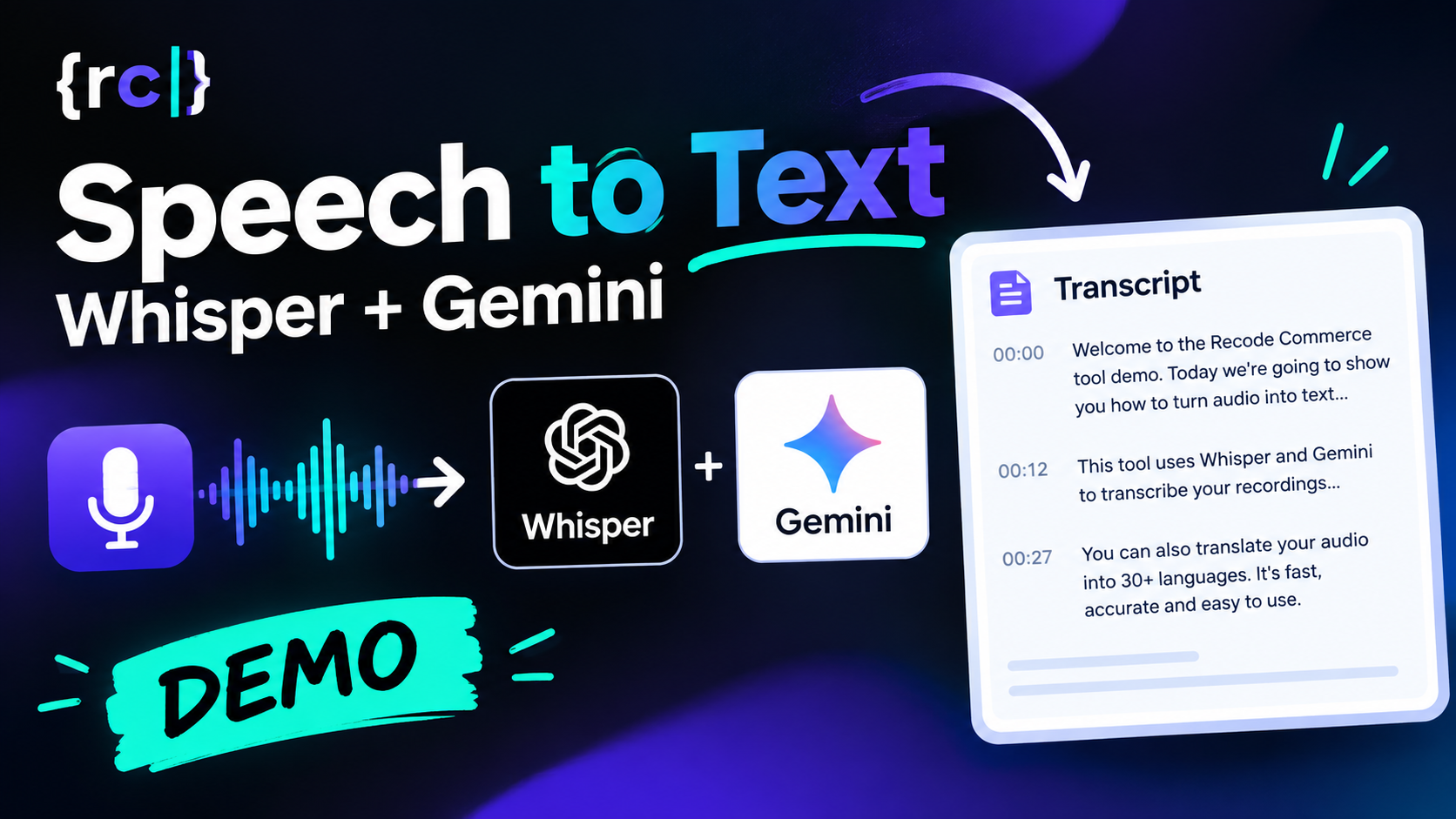
Upload an audio recording and get an accurate, paragraph-formatted transcript in seconds - choose between OpenAI Whisper and Google Gemini 3.5 Transcribe, with optional one-click translation into any language.
Key Features
Built for real transcription work — long recordings, messy audio, and the need to get from "raw MP3" to "usable text" without babysitting the process.
Dual Transcription Engines
Pick OpenAI Whisper or Google Gemini 3.5 Transcribe per job — switch engines without changing your workflow.
Automatic Large File Handling
Files upload in 5MB chunks and are split server-side when they exceed Whisper's 25MB limit — no manual editing of long recordings.
Smart Paragraph Formatting
Transcripts are reformatted into paragraphs based on natural pauses in speech. Adjust the pause threshold and reformat instantly — no re-transcribing needed.
One-Click Translation
Translate the transcript into 30+ languages using GPT-4o-mini or Gemini, with paragraph structure preserved.
Raw Output & Debug View
Full raw API response and a live debug log are available alongside the clean transcript — useful for troubleshooting or building on top of the output.
Secure by Design
Session-based auth, CSRF-protected requests, and IP-based rate limiting on login — this isn't an open endpoint.
How It Works
Six steps from file to finished transcript, all handled automatically.
1. Upload
The file uploads in 5MB chunks directly from your browser, with a live progress bar.
2. Prepare
If the file is larger than 24MB, the server splits it into smaller pieces automatically.
3. Transcribe
Each piece is sent to the selected engine — Whisper's verbose JSON or Gemini 3.5 Transcribe with word-level timestamps.
4. Format
Paragraphs are rebuilt automatically from pauses in speech. Adjust the threshold and reformat any time.
5. Translate (optional)
Each part is translated with GPT-4o-mini or Gemini, keeping the same paragraph breaks.
6. Export
Copy or download the transcript, translation, and raw JSON independently.
Whisper vs. Gemini 3.5 Transcribe
Both engines are solid — the right one depends on the job.
| OpenAI Whisper | Google Gemini 3.5 Transcribe | |
|---|---|---|
| Timestamp detail | Segment-level (phrase-by-phrase) | Word-level (optional, slightly reduces accuracy) |
| Max audio per request | 25MB per file (auto-chunked above 24MB) | Up to 1 hour; 30 min when word timestamps are on |
| Language handling | Auto-detect or manual hint | Auto-detect with dynamic code-switching |
| Best for | Fast, reliable general-purpose transcription | Multilingual audio, finer-grained timing needs |
Frequently Asked Questions
Is my audio stored after transcription?
No. Uploaded audio and intermediate chunks are deleted from the server as soon as they're processed.
What's the maximum file size?
There's no hard cap in the interface — large files are split into smaller pieces automatically before transcription.
Which engine should I use?
Whisper is a solid default for most recordings. Reach for Gemini if you need word-level timing or you're working with heavily multilingual audio.
Can I get paragraph breaks instead of one wall of text?
Yes — transcripts are split into paragraphs automatically based on pauses in speech, and you can adjust the pause threshold and re-format instantly.
How accurate is the translation?
Translation is powered by GPT-4o-mini or Gemini and is generally very good for everyday and business language; as with any AI translation, review it before using it somewhere that accuracy really matters.
Need a Custom Transcription or Audio Workflow?
We build custom automation, integrations and internal tools, from transcription pipelines to full content workflows.
Discuss Your Project