Re{code} Cron Viewer
View and debug all WordPress WP-Cron scheduled tasks. Lightweight, developer-friendly interface.
Key Features
🎯 Dashboard Integration
Adds a dedicated 'Cron Viewer' page to your WordPress admin menu for easy access.
📋 Complete Task Overview
Lists all pending WP-Cron events with detailed information about each task.
🔍 Detailed Information
Shows hook names, arguments, next execution time, and recurrence schedules.
🌍 Timezone Aware
Displays run times converted to your site's local timezone for accuracy.
⚠️ Status Indicators
Visual cues highlight tasks that are overdue or need attention.
⚡ Lightweight & Fast
Minimal footprint with no impact on site performance.
Screenshots
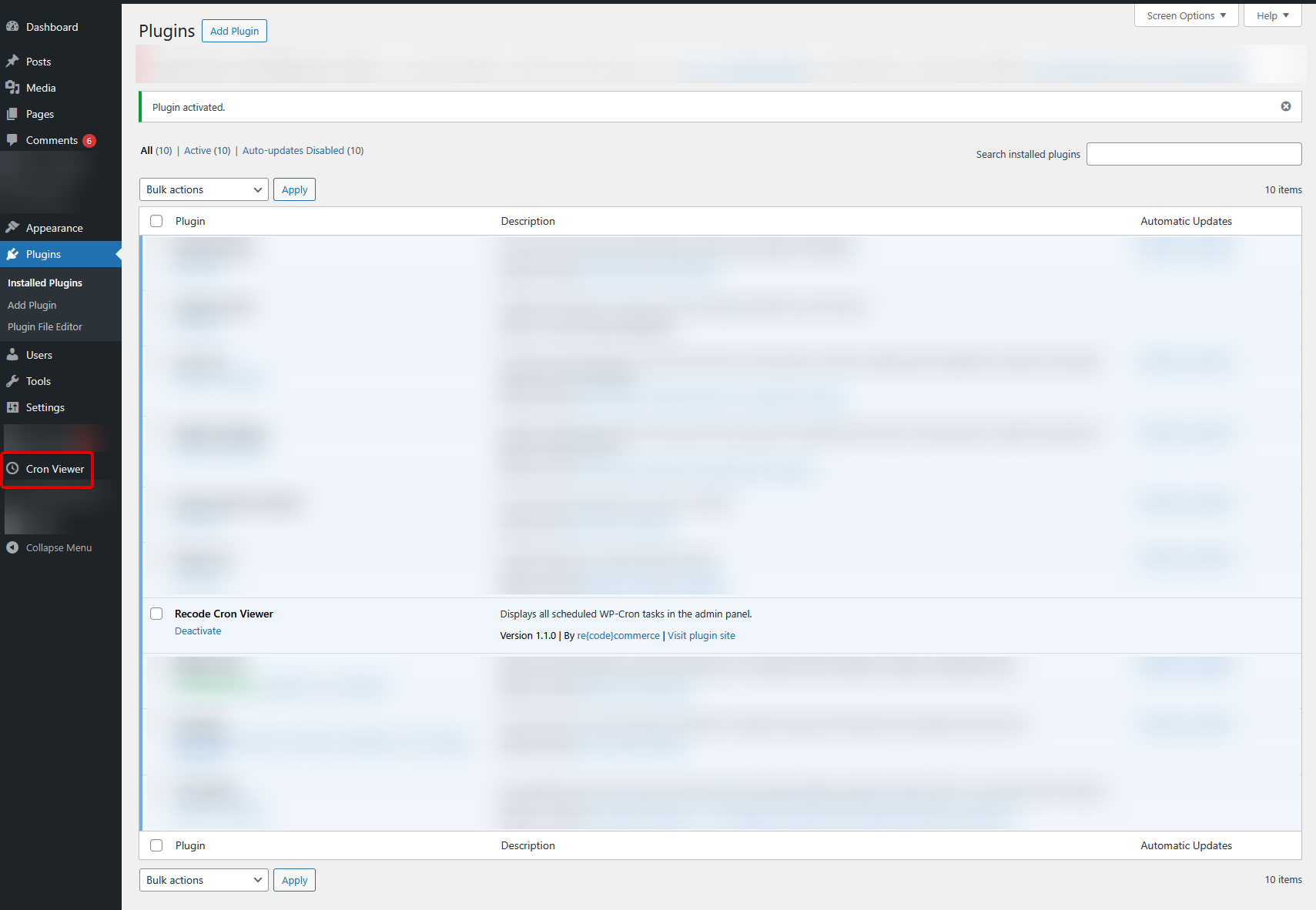
Admin Menu Integration — Find Cron Viewer in your WordPress sidebar
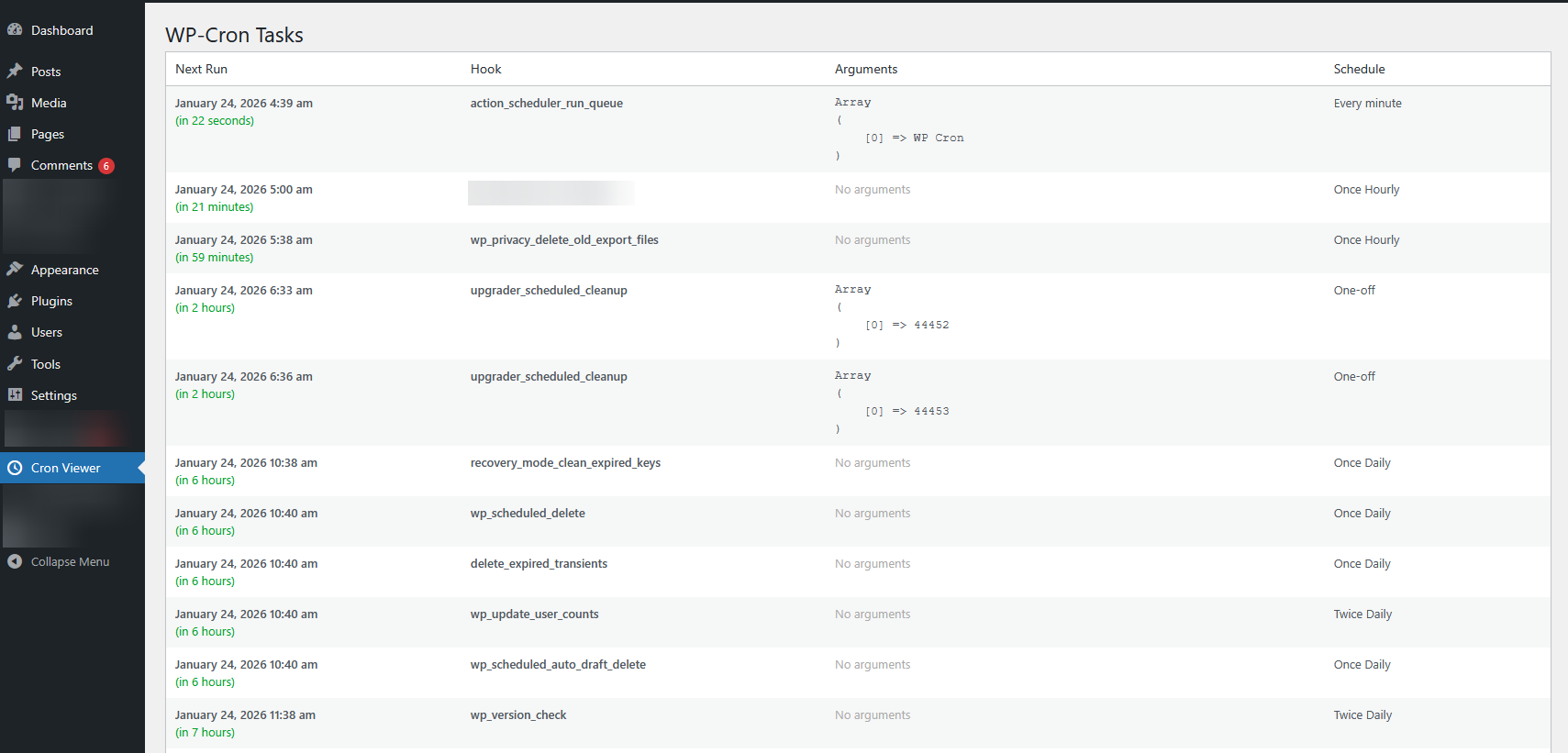
Cron Tasks Dashboard — Complete overview of all scheduled tasks with status indicators
Installation
Manual Upload
- Download the
recode-cron-viewer.zipfile - Go to Plugins → Add New → Upload Plugin
- Select the zip file and click Install Now
- Activate the plugin — find Cron Viewer in your admin sidebar
Requirements
- WordPress 5.0 or higher
- PHP 7.4 or higher
- Standard WordPress WP-Cron functionality
Changelog
- Prepared for WordPress Repository
- Updated tested version to 6.7
- Improved code quality and internationalization
- Improved internationalization support and code quality standards
- Initial release with core functionality
Need Custom WordPress Development?
re{code}commerce offers professional WordPress and WooCommerce development services.
Get in Touch